overview
Why I built it
I got tired of running du -sh /* and squinting at the output. I wanted a tool that finds my drives on its own, shows proportional bars so I can scan the list quickly, and lets me open one folder at a time. What I found needed a GUI or a pile of dependencies.
How it works
It's written in Go, standard library only. It builds to one static binary, so there's nothing to install.
When you start it, it lists the drives it finds as numbered options. If there's only one, it picks it for you. On Linux it reads /proc/mounts, keeps the entries whose device starts with /, and skips fake filesystems like tmpfs, proc, sysfs, cgroup and squashfs. If it finds nothing, it falls back to /. On Windows it checks drive letters A to Z.
Then it asks for a starting path. Press Enter to start at the drive root, or type a subdirectory, either absolute or relative to the drive. It has to exist and be a folder, otherwise the tool exits with an error.
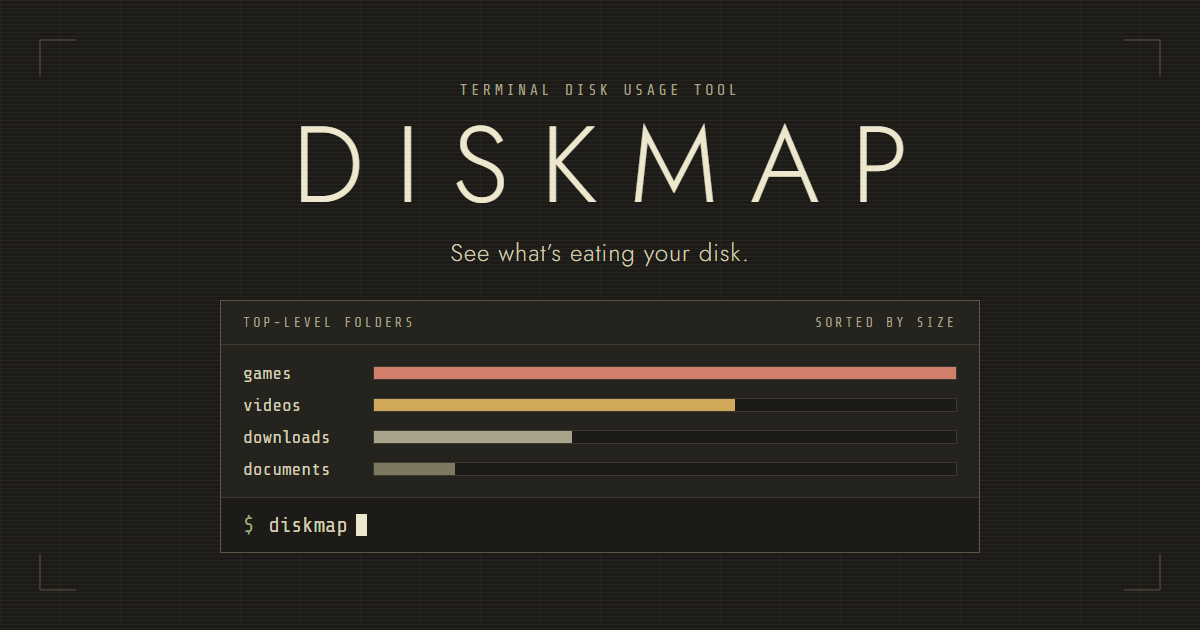
After the scan you see the top-level entries of that folder, biggest first. Each line has the name, the size and a proportional bar, and folders also get a number. Below the list it shows how many items there were and how many seconds the scan took.
From there:
- A number opens that folder.
tshows a tree. It asks for a max depth, default 2, max 5.bgoes back. It only works after you've gone into a folder.qquits.
Files are listed but can't be opened.
Up to 8 entries are measured at the same time, using goroutines, and a live counter shows how many items are done. A folder it can't read counts as 0 bytes and the scan carries on. A panic inside a worker is recovered, so it doesn't crash the tool.
Names that start with a dot are skipped, except at the top level of /. The tree always skips them.
It adds up file sizes, not disk blocks. Sizes are coloured: red from 10 GB, orange from 1 GB, yellow from 100 MB, cyan from 10 MB, dim below that.
--debug (or -debug) writes a log to diskmap_debug.log.
Download
The group has four files:
main.goansiwindows.go, which turns on ANSI colours in the Windows consoleansiother.go, which does nothing on other systemsdiskmap.exe
The .exe is Windows only. There's no Linux binary, so on Linux you build it from source.
Stack
Go, standard library only.