overview
Approach
A TCP connect scanner in Python. No Nmap, no Scapy. It uses the standard library (socket, threading, queue and selectors) plus colorama for colour.
The default engine, threads, has each worker thread take a port from a queue.Queue and do a blocking connect_ex(). With --engine select, the connects are non-blocking and multiplexed with selectors.
Targets can be a hostname, an IPv4 address or an IPv6 address. A hostname resolves once, before scanning, to IPv4 first. --ipv6 forces IPv6 for hostnames. A connection from the scanner to itself isn't counted as open.
Unless you pass --no-banner, it tries to read a banner from each open port:
- Ports 80, 8000, 8008, 8080 and 8888 get
HEAD / HTTP/1.0. - TLS ports (443 and 8443) aren't probed.
- Ports 21, 22 and 25 announce themselves, so it only listens, up to
--timeout. - Any other open port is listened to for at most 0.5 s.
The reply is reduced to printable ASCII, runs of whitespace become one space, and it's cut to 200 characters, so binary data can't break the output. It names 39 well-known ports, by port number and not from the traffic.
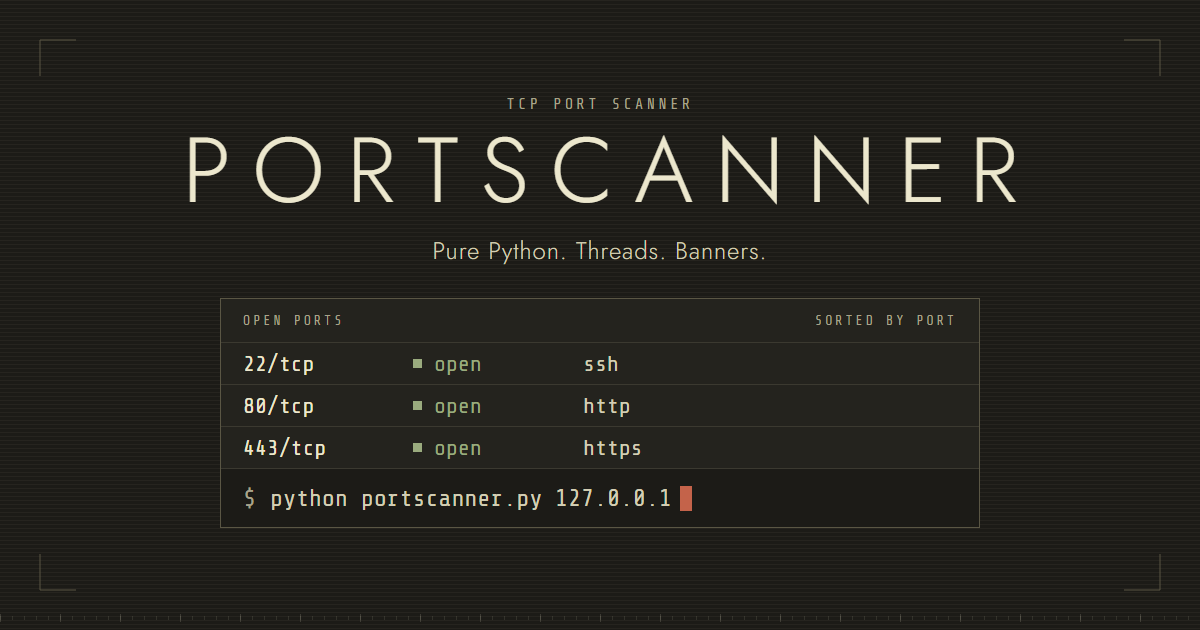
A lock is taken only when a port turns out to be open, to append the result and print it. Open ports print live, then the list is printed again sorted by port at the end.
On Windows, closed ports on loopback addresses are refused after about 2 s unless the SYN retransmit option is off. The scanner turns it off for loopback targets only (SIO_TCP_INITIAL_RTO through ctypes), and never for any other address.
Limits: it's a TCP connect scan only. The full handshake happens, so it shows in the target's logs. A filtered port and a closed port both show as "not open". It sends nothing to non-HTTP services.
The tests run with python -m unittest. They cover port parsing, banner cleanup, both engines on IPv4 and IPv6, the HEAD path, self-connect, JSON, Ctrl+C and the CLI errors. They only connect to 127.0.0.1 and ::1. A GitHub Actions workflow runs them on Ubuntu and Windows, with Python 3.10 and 3.13. I developed and tested it on Python 3.13 on Windows 10.
Usage
pip install -r requirements.txtThe only requirement is colorama.
python portscanner.py <target> [--ports 1-1024] [--threads 500] [--output file.txt] [--no-banner] [--timeout 1.0] [--engine threads|select] [--ipv6] [--json] [--version]# default range, 1-1024
python portscanner.py <target>
# specific ports and a range, saved to a file
python portscanner.py <target> --ports 22,80,8000-8100 --output report.txt
# no banners, select engine
python portscanner.py <target> --no-banner --engine select
# JSON on stdout, also saved to a file
python portscanner.py <target> --json --output report.json--portstakes a range (1-1024), a list (22,80,443) or both (22,80,8000-8100). Valid ports are 1 to 65535. Bad input is rejected with a message naming the bad entry.--threadsdefaults to 500, goes from 1 to 1000, and is never more than the number of ports. With--engine selectit is the number of connections in flight, 1 to 4096.--timeoutdefaults to 1.0 s. It applies to each connection and to a greeting banner.--output FILEsaves a plain-text report sorted by port. With--jsonthe report is JSON.--jsonalso prints JSON on stdout instead of the table, and warnings go to stderr.
Ctrl+C stops the scan after the current ports, prints and saves what it found, and marks the report "interrupted".
Exit codes:
0: the scan finished.1: runtime error, such as a host that doesn't resolve or an output file that can't be written.2: invalid arguments.130: interrupted.
The download group has portscanner.py, README.md, requirements.txt, LICENSE, .gitignore, benchmark.py, the tests and the GitHub Actions workflow. The license is GPL v3.
Stack
Python, with socket, threading, queue and selectors from the standard library, plus colorama.
Responsible use
Only scan hosts you own or have permission to scan. Unauthorised scanning may be illegal depending on where you are. The scanner prints this reminder on every run.